THERMAL RIFLESCOPES
Thermal rifle scopes form an image from infrared energy rather than visible light. Differences in that energy across a scene can make a subject stand out from its surroundings. How clearly it stands out depends on the scene and the conditions. This category brings together thermal imaging devices in a scope format. Some are dedicated riflescopes. Others are multi-function units that their manufacturer also describes for clip-on or handheld use. Use the filters to narrow the range, then check each product listing for its specification and contents.
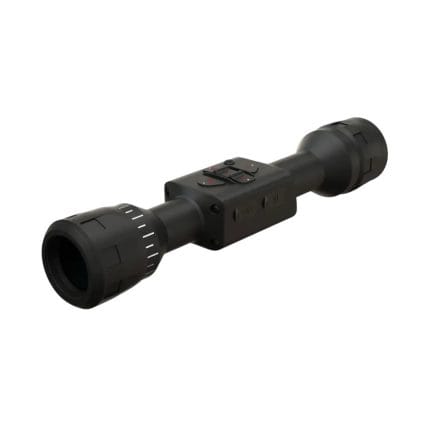
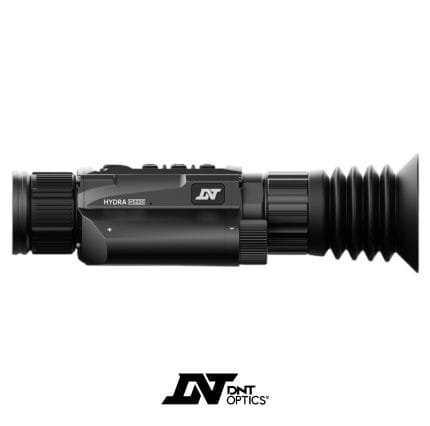
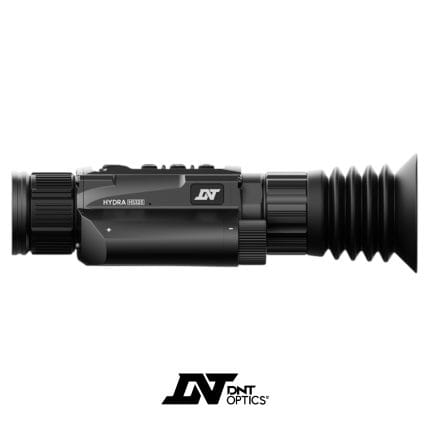
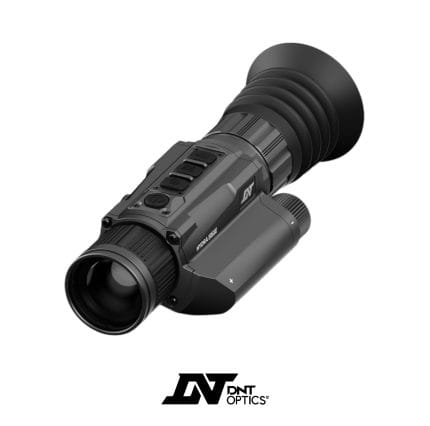
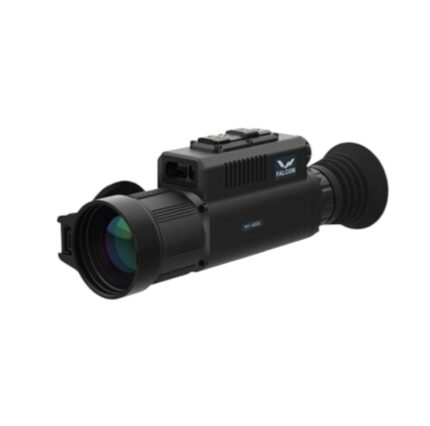
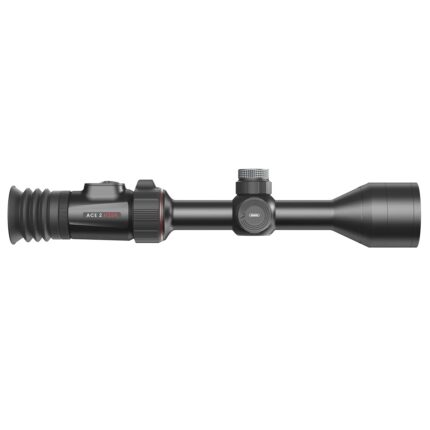

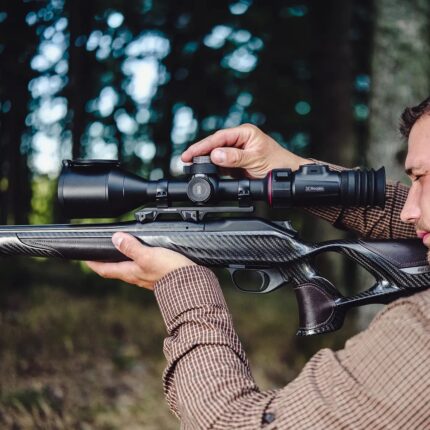
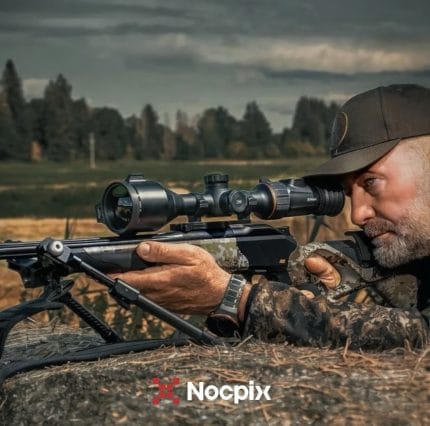
Choosing a thermal rifle scope
Thermal scopes can look alike on paper, and their published figures are not always measured in the same way. The steps below will help you compare like with like.
1. Decide which format you need
A dedicated thermal riflescope is a self-contained sighting device. A thermal clip-on unit is designed to work alongside a day scope. A thermal monocular is a handheld observation device.
Some devices in this category cross those boundaries. The DNT Hydra family, for example, is described by its manufacturer as combining standalone, attachment and handheld functions. If you want one device for more than one role, check the individual listing for:
- which uses that model supports
- which adapters, if any, are included
- whether an attachment configuration suits the optic you already own
If you only need a conventional day optic, our wider riflescopes category may be a better starting point.
2. Line up the image specifications
No single figure tells you everything. Put the following side by side for each model you're considering, where the manufacturer publishes them:
- Sensor (detector) resolution: the pixel count of the thermal sensor, for example 384×288 or 640×512.
- Display resolution: the pixel count of the screen you look at. This is a separate figure. A higher display figure does not add thermal detail that the sensor hasn't captured.
- Base magnification, zoom and field of view: compare these three figures for the exact model rather than assuming how they were achieved.
- Zoom range alone tells you little. Check the listed base magnification, whether the zoom is digital, and the field of view.
- Where the zoom is digital, enlarging the image does not add sensor detail.
- Among models with comparable sensors and lens characteristics, a narrower field of view usually comes with a higher base magnification. Between unrelated designs the figures don't always line up that neatly, so read them together for each model.
- Refresh rate: how often the image updates, usually given in hertz. It affects how smoothly movement appears.
- NETD (thermal sensitivity): how small a temperature difference the sensor can distinguish. Lower figures indicate finer sensitivity. Manufacturers do not always state how they measured it, so compare figures between brands cautiously.
3. Check what sits behind any range figure
Before comparing quoted distances, find out:
- which level the figure refers to: detection, recognition or identification (these terms are explained in the FAQs below)
- the target size or type it assumes
- the conditions it was measured under, and the method, where the manufacturer states it
Figures based on different targets or conditions are not directly comparable. A detection figure on its own does not guarantee that you will recognise a subject at that distance. What you can make out in practice also depends on subject contrast, humidity, rain, fog and the device itself.
4. Confirm features and contents model by model
Feature sets vary, even within one brand's range. Check the product listing and the manufacturer's current documentation for:
- a built-in laser rangefinder (often marked LRF in model names)
- video and photo recording
- colour palettes and reticle options
- app connectivity
- exactly what is supplied in the box
Don't assume that a feature of one model, or an accessory shown in a photograph, applies to another.
Thermal rifle scope FAQs
How is a thermal rifle scope different from a conventional day scope?
A conventional day scope passes visible light through its lenses to your eye. A thermal rifle scope works differently. Its sensor captures infrared energy, and the resulting image is shown on an internal display that you view through an eyepiece.
This has two practical consequences:
- It needs a power source.
- Its specification reads differently. Sensor and display resolution, zoom type and refresh rate sit alongside magnification and field of view.
Because each model pairs its own sensor, lens, processing and controls, the individual specification tells you more than the category label.
How does a thermal image differ from a digital night vision image?
The two technologies use different information.
- Thermal: the sensor responds to infrared energy reaching it from the scene. That energy is both emitted and reflected by surfaces, in proportions that vary with the materials and the scene. The air in between also affects how much arrives. The device turns these differences into an image, often shown as white-hot, black-hot or a colour palette.
- Digital night vision: the device uses a light-sensitive imaging sensor. It works with available light and often relies on a near-infrared illuminator to light the scene.
As a result, the images look different. Thermal shows differences across the scene. Digital night vision gives a picture closer to an ordinary image of the scene. Depending on the model, its settings and the illumination, digital devices may offer colour or monochrome modes. Neither is better in every situation, and performance varies between models. If you're weighing up the alternative, see our night vision category.
Do thermal scopes need light, and can they be used in daylight?
Thermal imaging does not depend on visible light, so it can produce an image in darkness and in daylight. That doesn't mean it performs equally well in every condition. It relies on differences across the scene. Two situations will tend to give a flatter, less distinct image:
- surroundings that have settled to a similar state
- rain, fog or high humidity reducing the infrared energy that reaches the sensor
The displayed image also shouldn't automatically be read as a calibrated temperature measurement. Some radiometric instruments are designed to measure temperature, so if that matters to you, check the specification of the exact model.
What is the difference between detection, recognition and identification?
Manufacturers use these as separate criteria, each describing a different level of detail:
- Detection: noticing that something is present.
- Recognition: telling what kind of thing it is.
- Identification: a finer level of detail than recognition.
The more detail a task calls for, the more usable image detail it needs. How that translates into distance varies with the device, the subject and the conditions, so there is no fixed rule that applies across all scopes. When a listing quotes only a detection figure, treat it as exactly that. It is not a stated recognition or identification distance.
Will a higher sensor resolution always give the clearest image?
Not on its own. More sensor pixels give the image more to work with. What you actually see also depends on:
- the lens
- the manufacturer's image processing
- the display
- the contrast and weather in the scene
Two scopes with the same sensor resolution can therefore look different. Where you can, look at sample imagery taken in similar conditions alongside the specification table, rather than choosing on one headline number.
What should I check about batteries and power?
Power arrangements differ between models. Check the exact listing and the manufacturer's documentation for:
- whether the battery is built in, removable, or both
- how it is charged
- whether compatible spare batteries are available
- the stated operating time, and the conditions it was measured under
Mounting arrangements also vary. Compare the mounting interface the manufacturer specifies with the equipment you already own.